Record your setup
Note your macOS version, each app's version, display arrangement, and granted permissions. Open two separate browser or Finder windows with different content; keep these windows for each trial.
Try the system controls
Use the native Dock's window menu, Mission Control, and the application's own Window menu. Check whether these already meet your needs before installing another utility.
Compare the route to the same window
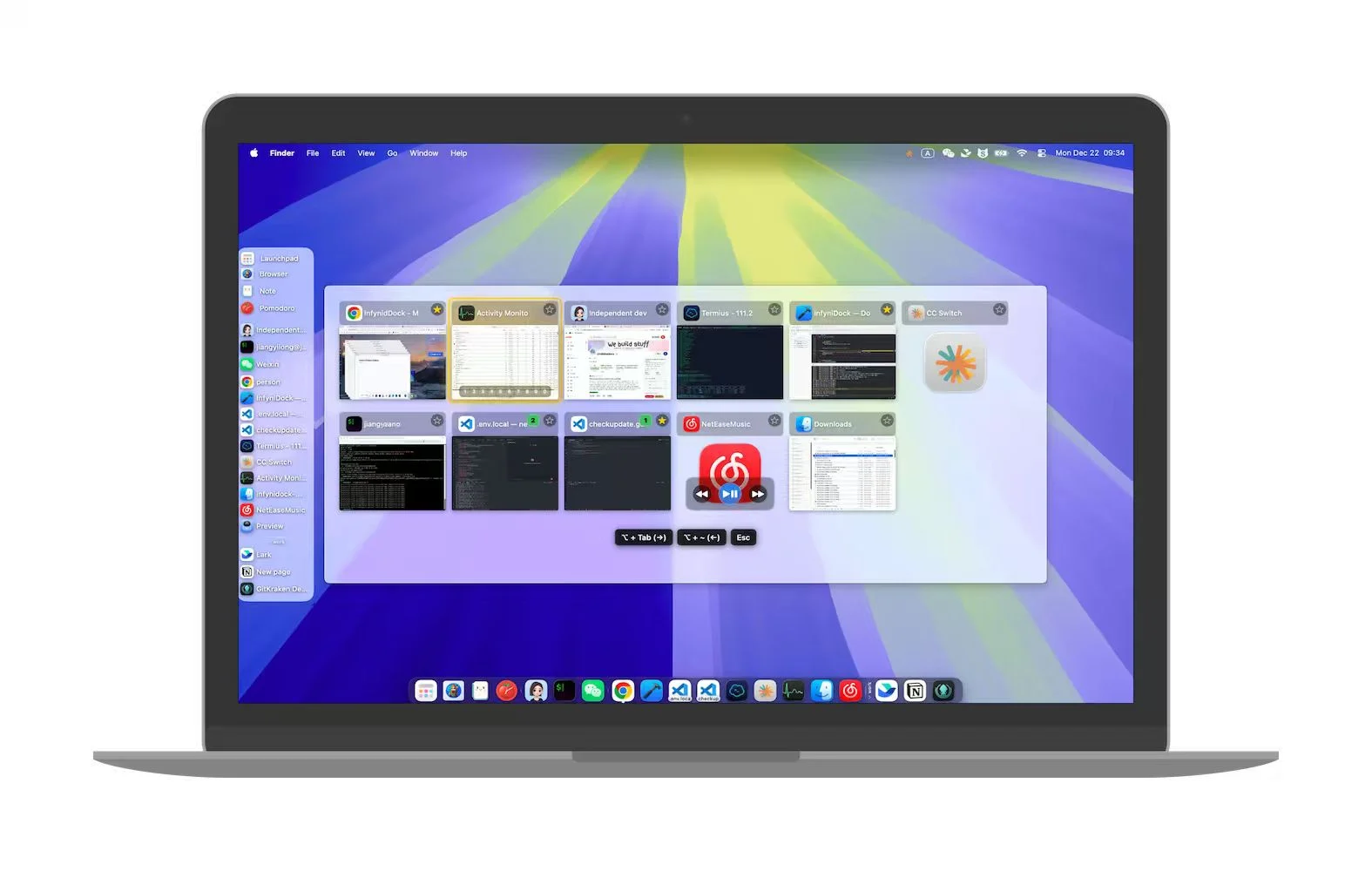
Try AltTab's keyboard selector, uBar's window entries or previews, and InfyniDock's Full Dock, FloatDock, or Notch Dock. Choose the same target each time and note which interaction is comfortable for you.
Repeat across Spaces and displays
Move one target to another desktop, then try your normal full-screen and external-monitor setup. Check whether the title and preview identify the target and whether activation reaches the correct window.
Check your secondary need
If the job is snapping windows side by side, compare Rectangle. If you need a reference above full-screen work, try InfyniDock Mini Window and its click-to-return behavior. These solve different tasks from finding a window.